Simple Mandala Template
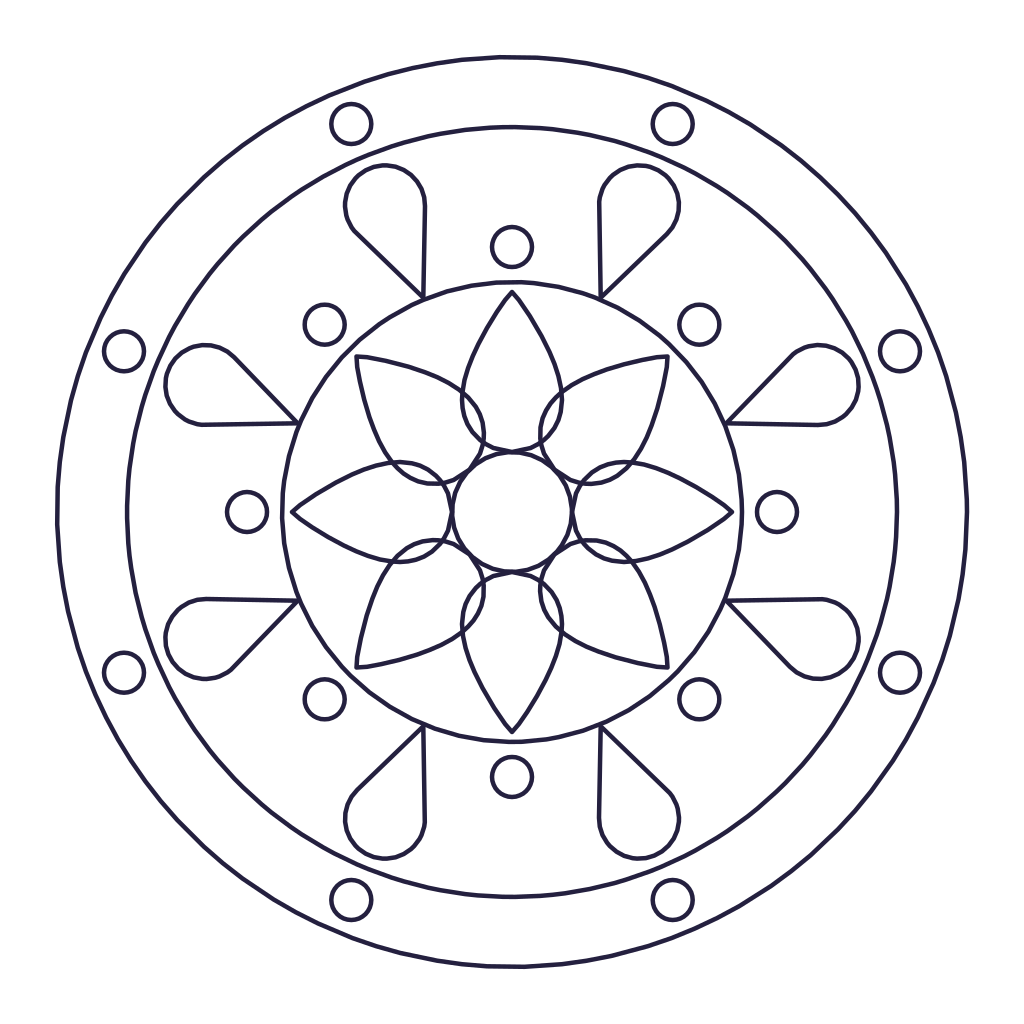
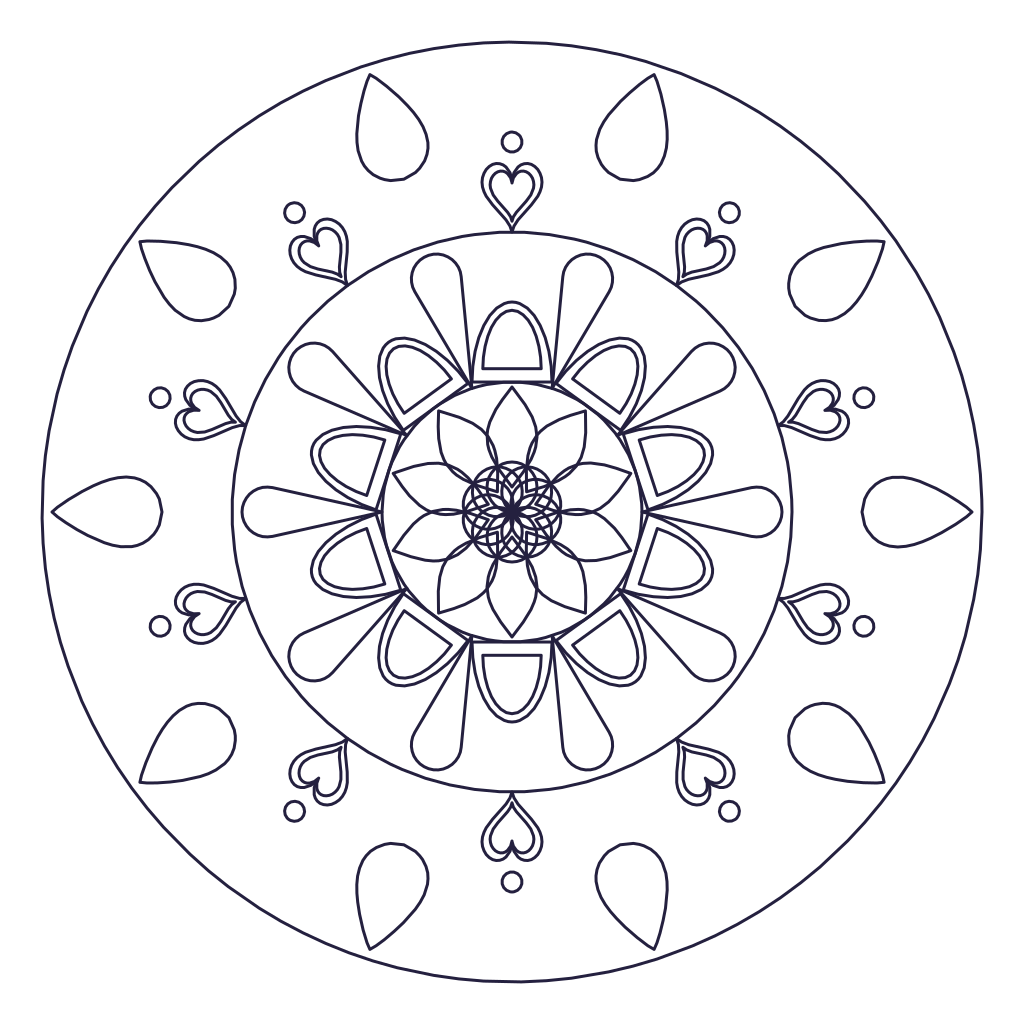
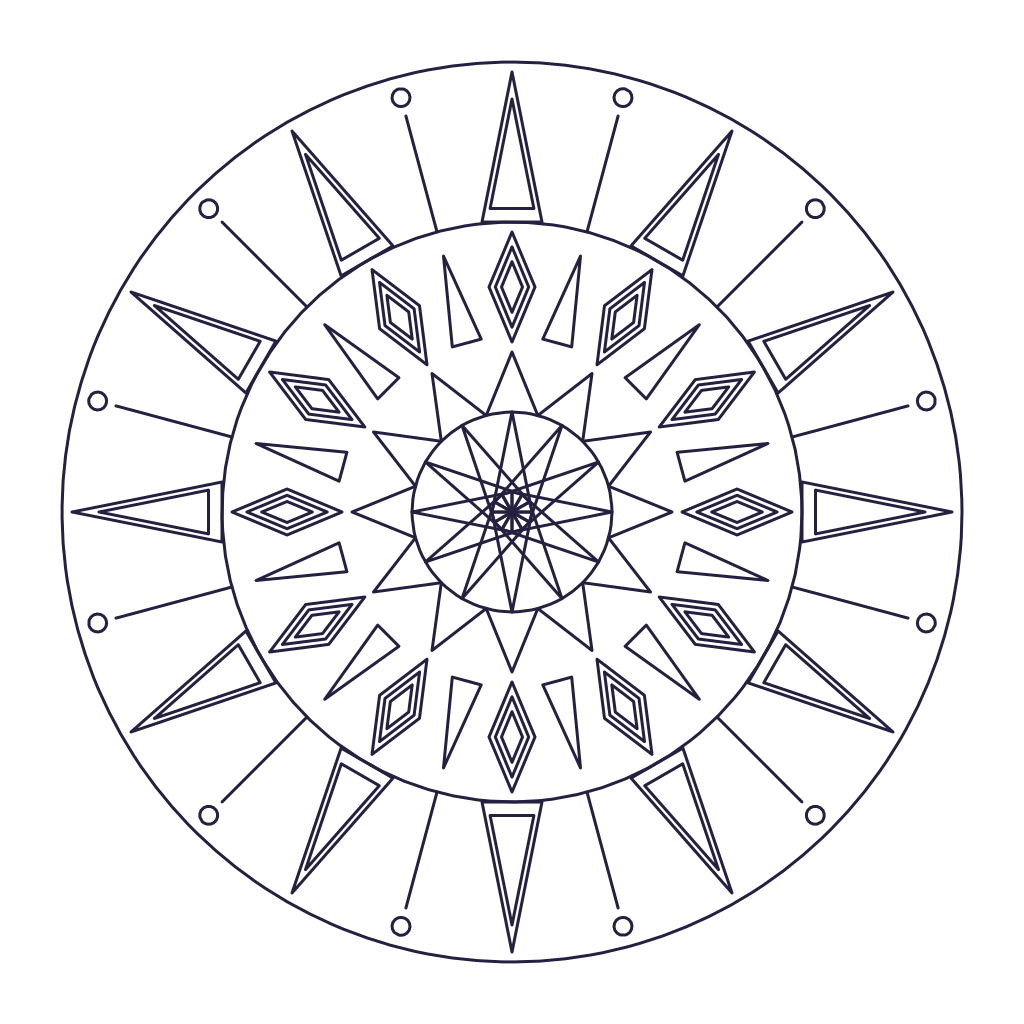
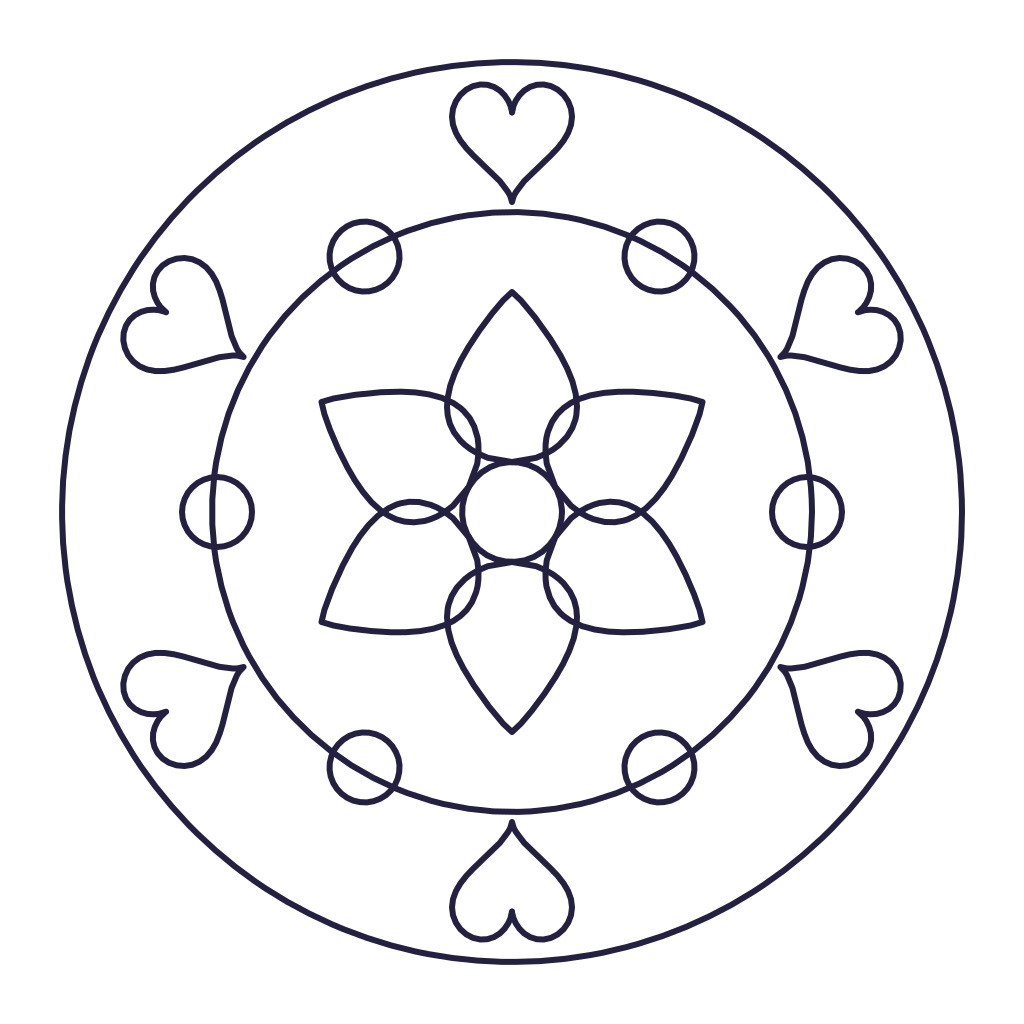
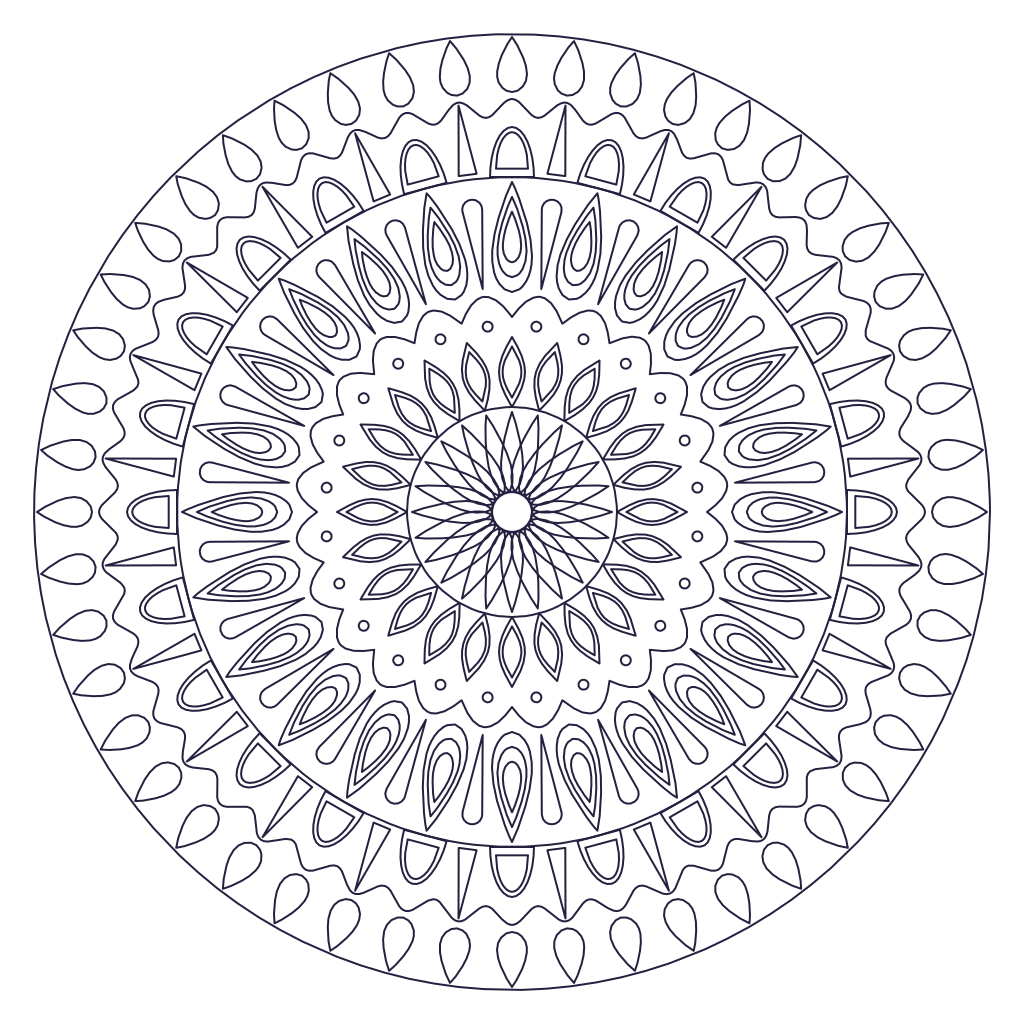
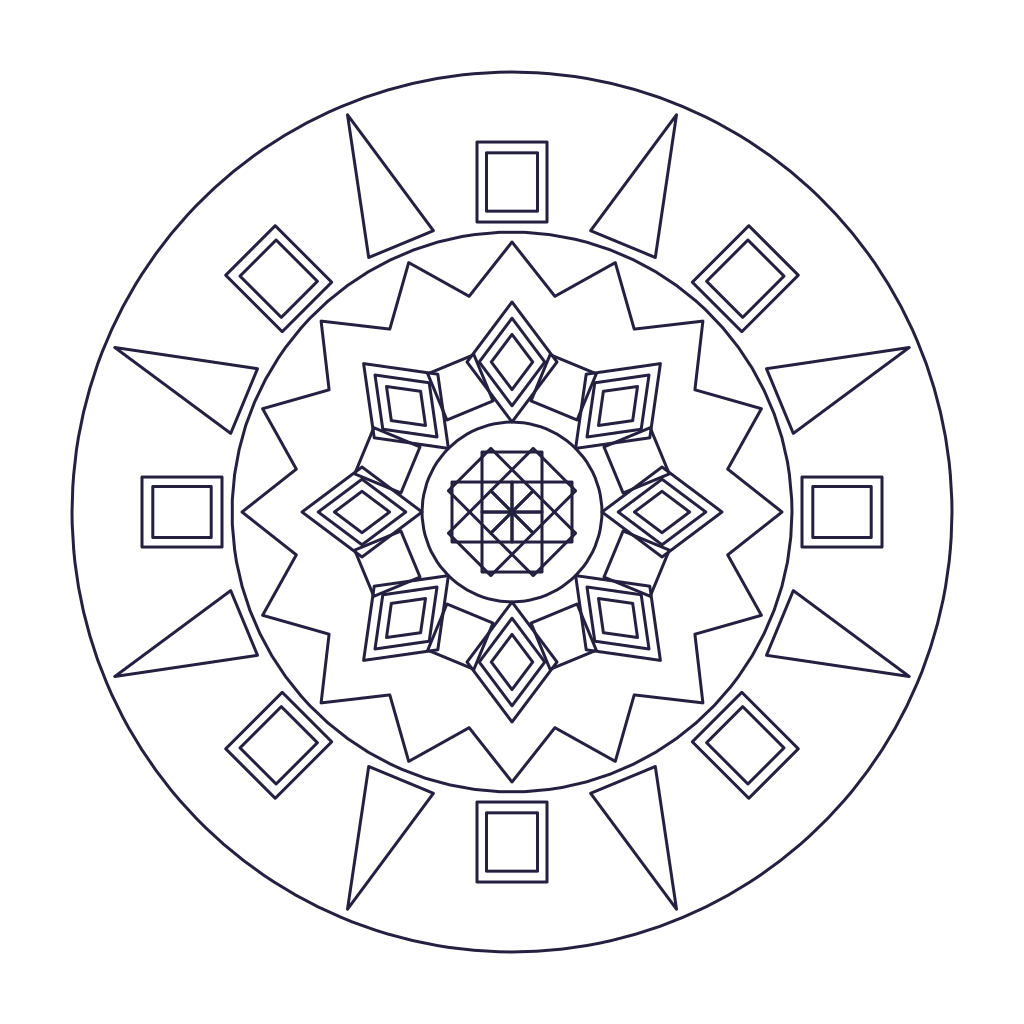
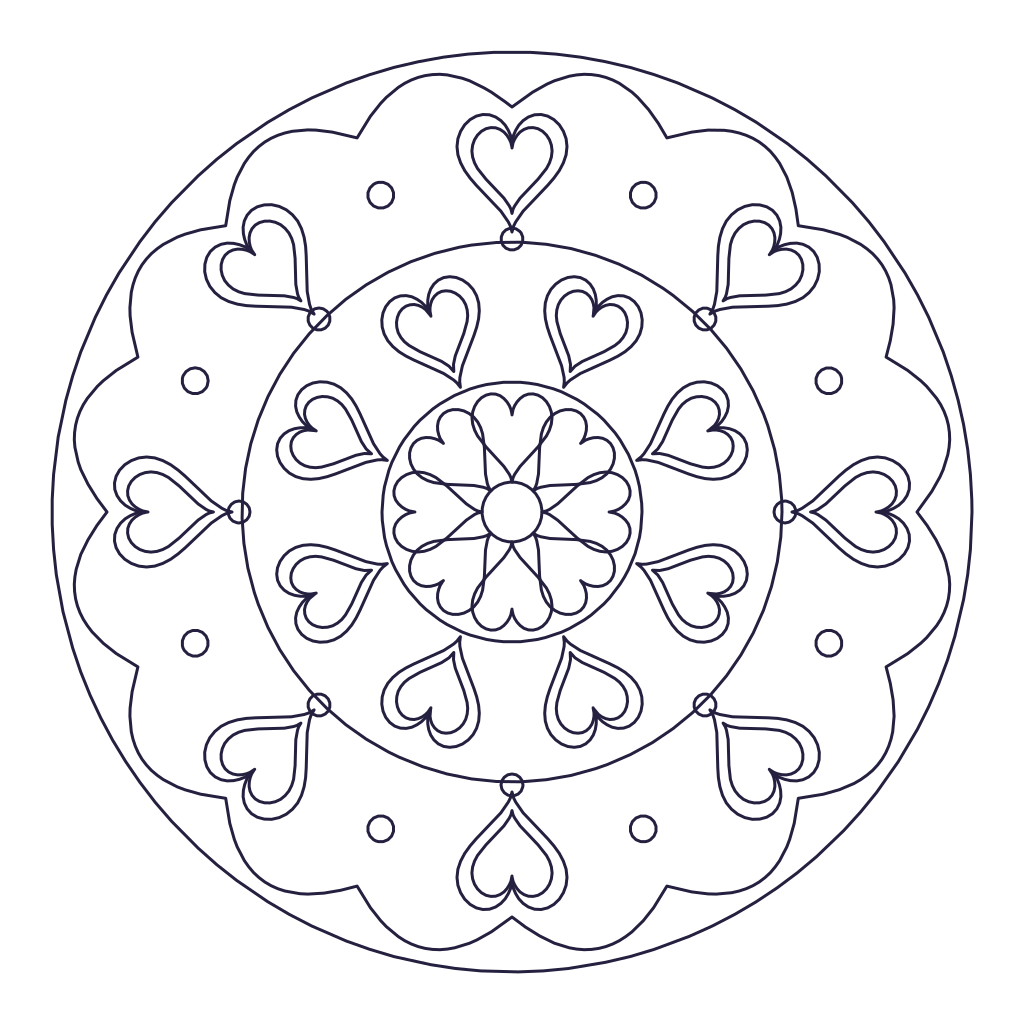
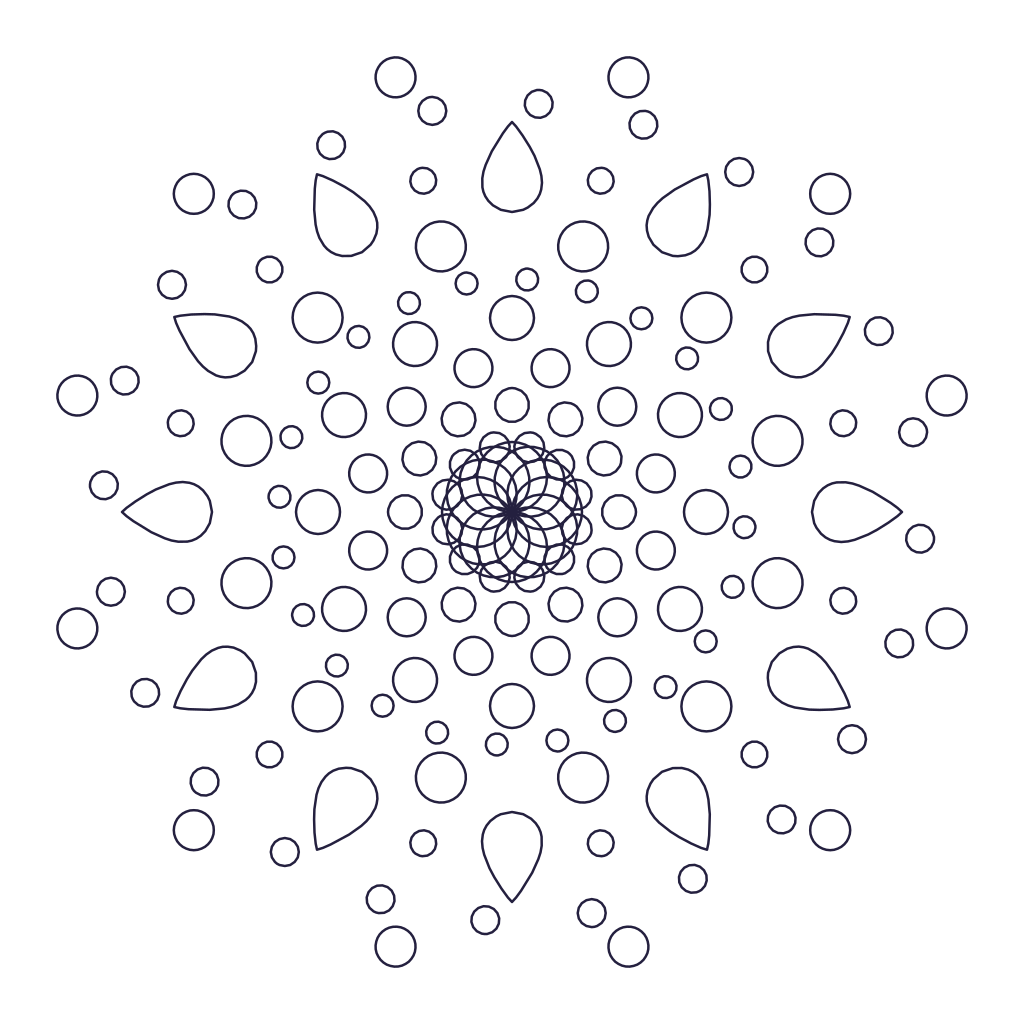
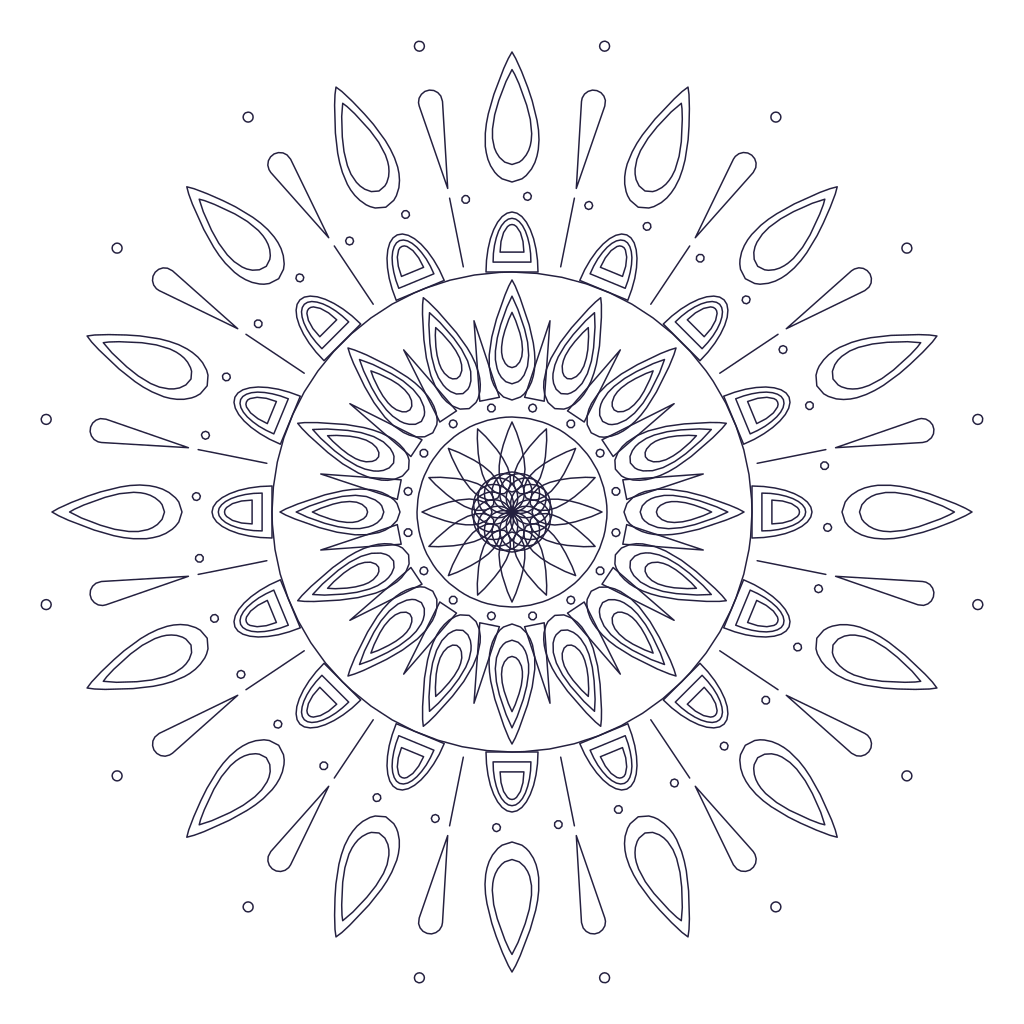
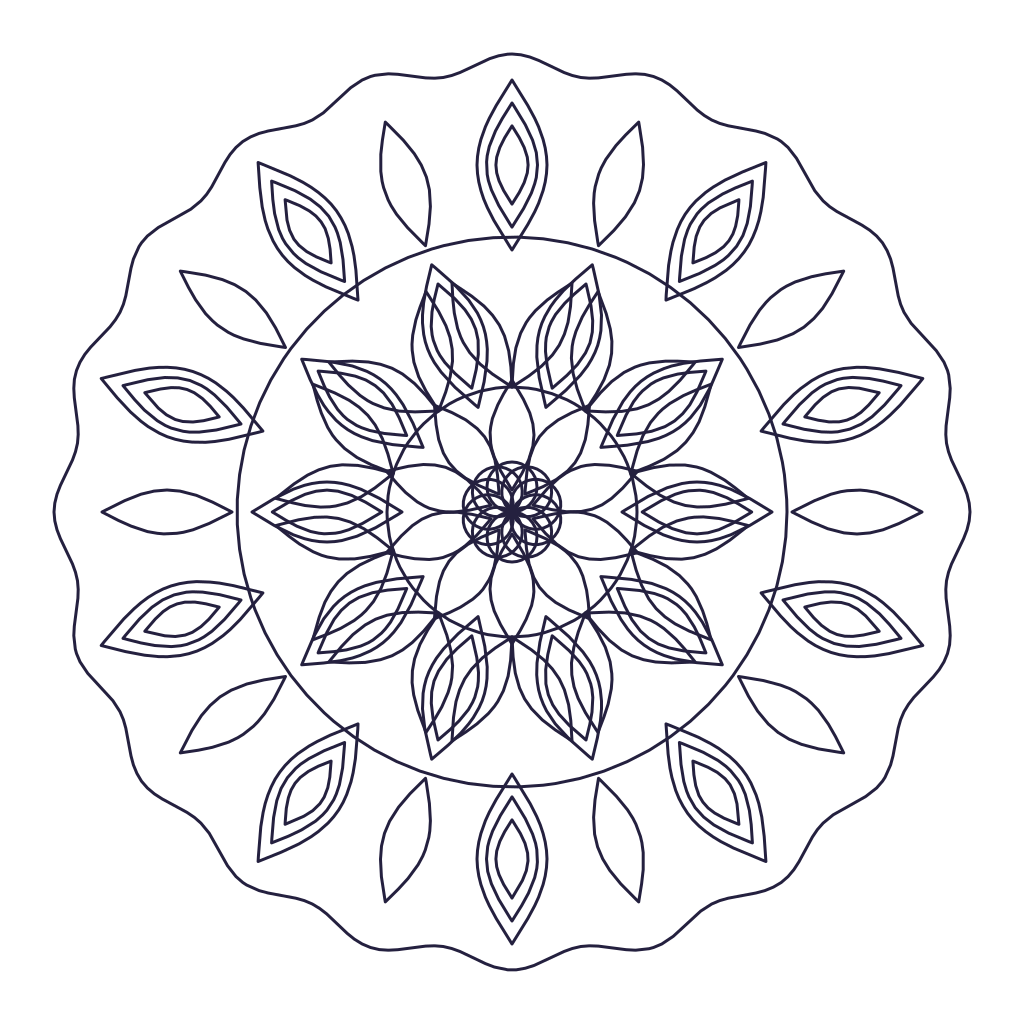
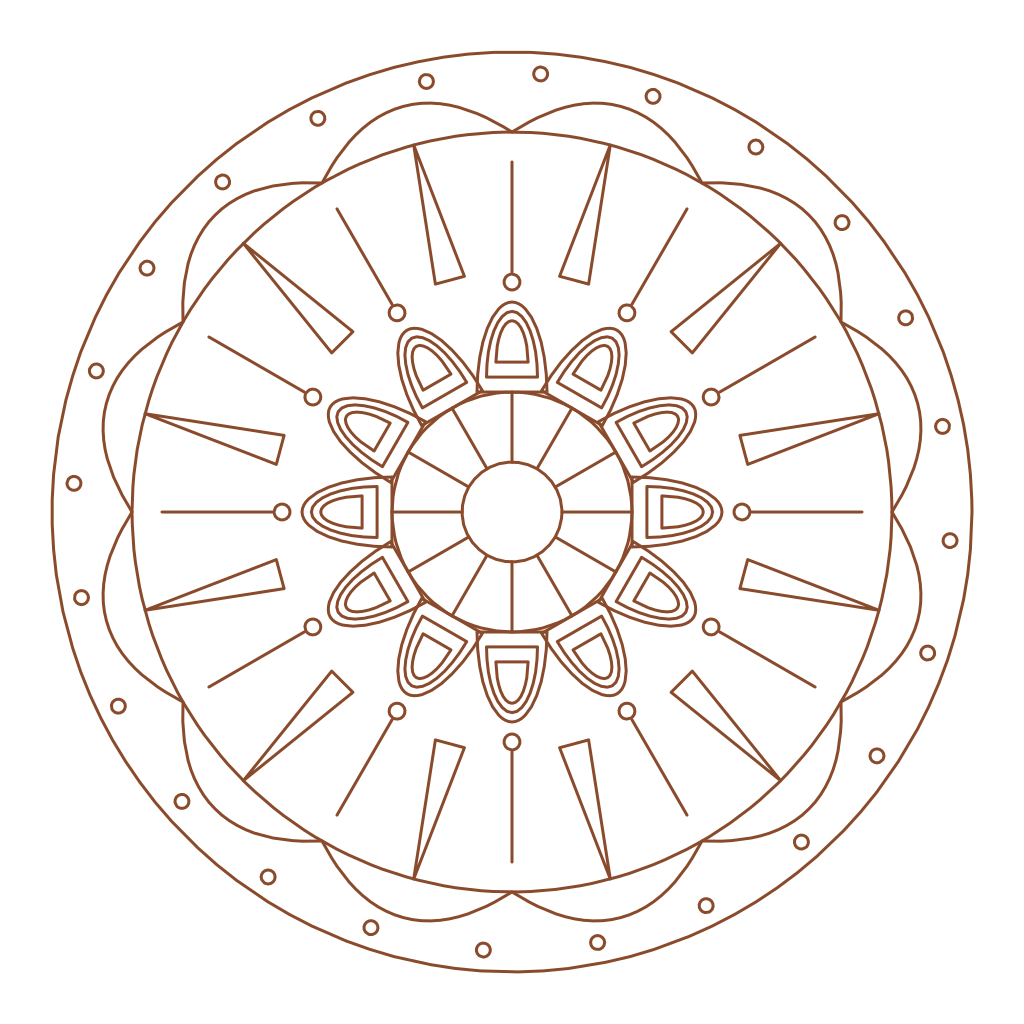
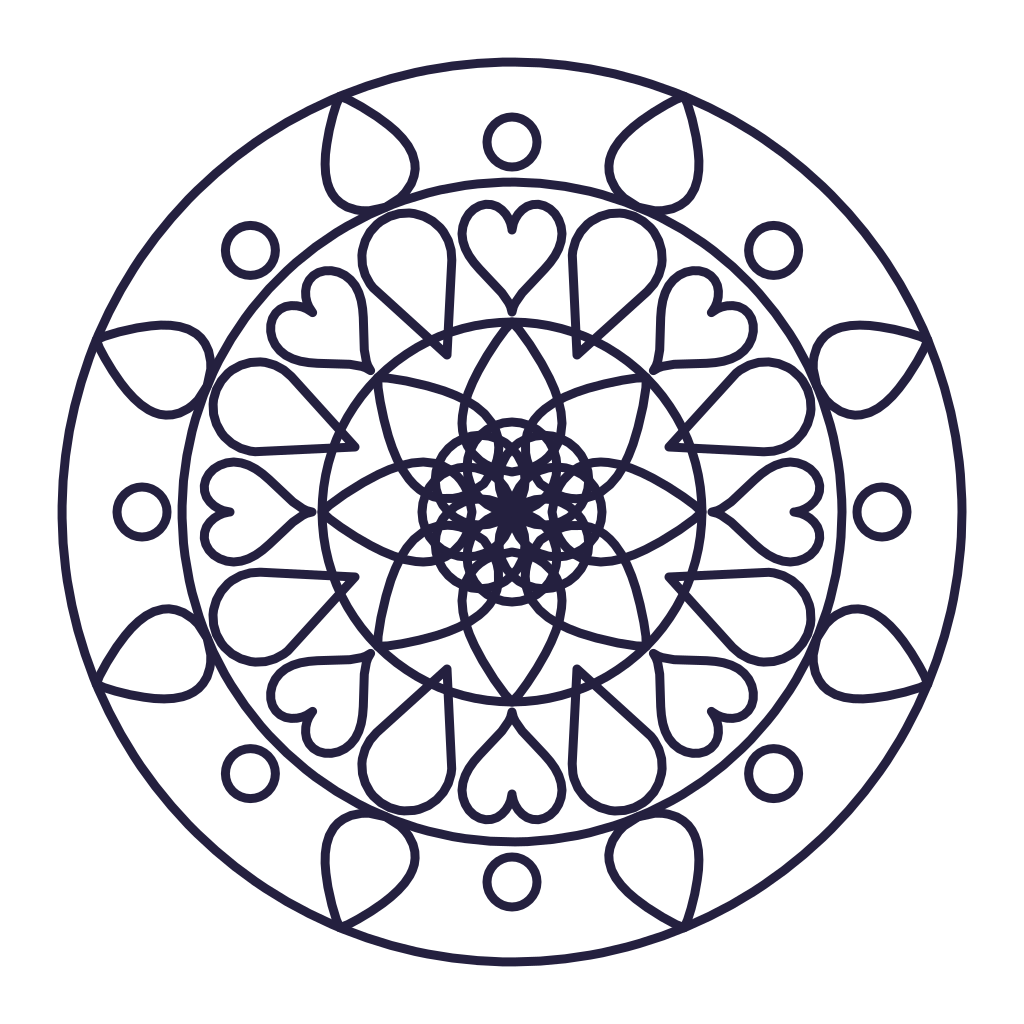
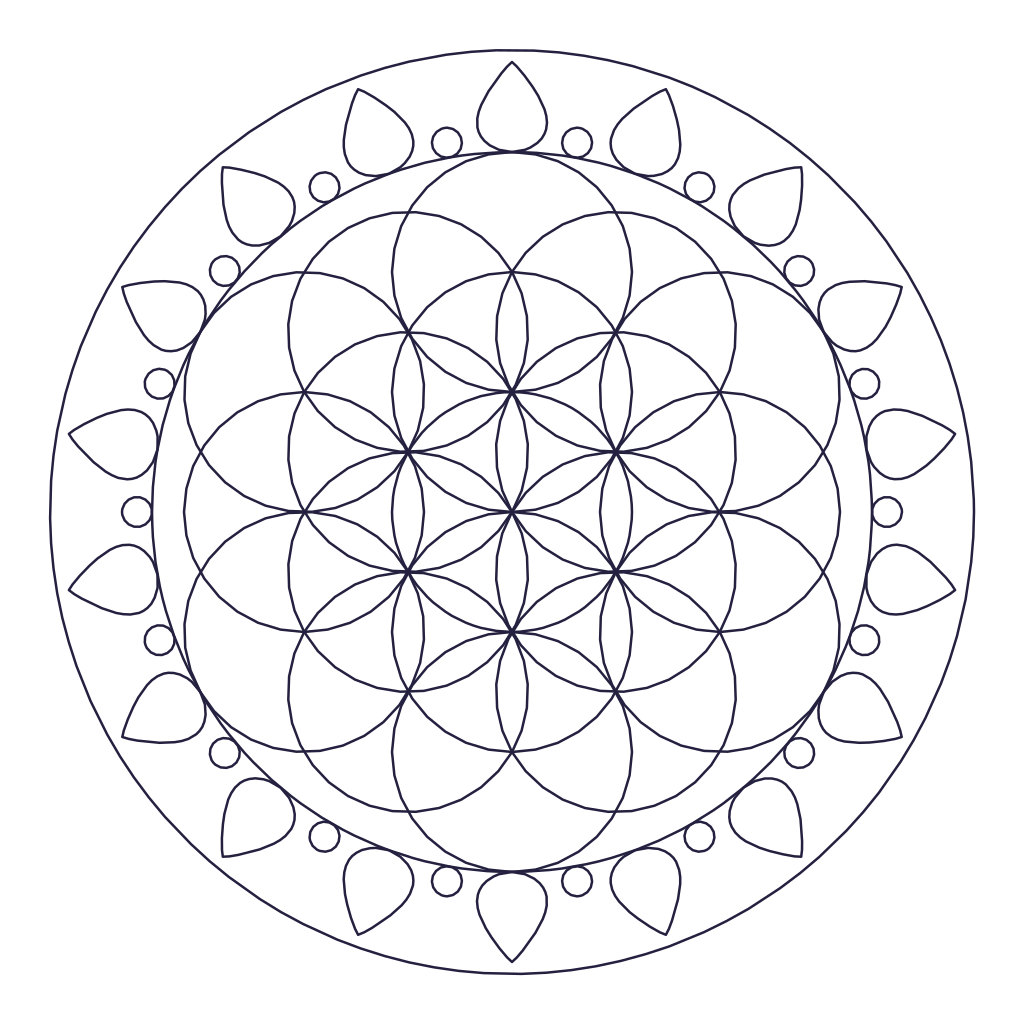
Three rings, bold lines and plenty of open space. A simple mandala for beginners, quick crafts and large signs.
Every stroke repeats around the center.
Tip: draw with a mouse, finger or stylus. Use Shapes to add rings of petals, dots and scallops, and Surprise me for a fresh design.
Start from something
Templates and Surprise me replace the current design. Undo brings it back.
Each ring repeats a shape around the circle. Tap a layer to change its size, distance, twist and fill.
PDF coloring pages and prints
PNG sharing and digital coloring
SVG Cricut, Silhouette, Illustrator
DXF laser, CNC and plasma
Share
Copy a link that opens this mandala for anyone.
How to use this template
The simple mandala is loaded in the maker above with 8-fold symmetry. Open the Shapes tab to change any ring: move it closer to the center, make the shapes longer or wider, twist them, or fill them with color. Switch to Draw to add your own lines, which repeat around all 8 slices.
When it looks right, open Download and save it as a PDF coloring page, a PNG, a cut-ready SVG for Cricut, or a DXF for a laser or plasma table.
About the simple mandala
If you're new to mandalas, this is the one to start with. It has only a few rings, so it's quick to color, easy to copy by hand and simple to cut on any machine.
Open the Shapes tab to see how it's built: each ring is one shape repeated around the center. Change one ring at a time to learn how mandalas come together, or press Surprise me on the Easy setting for a new simple design.