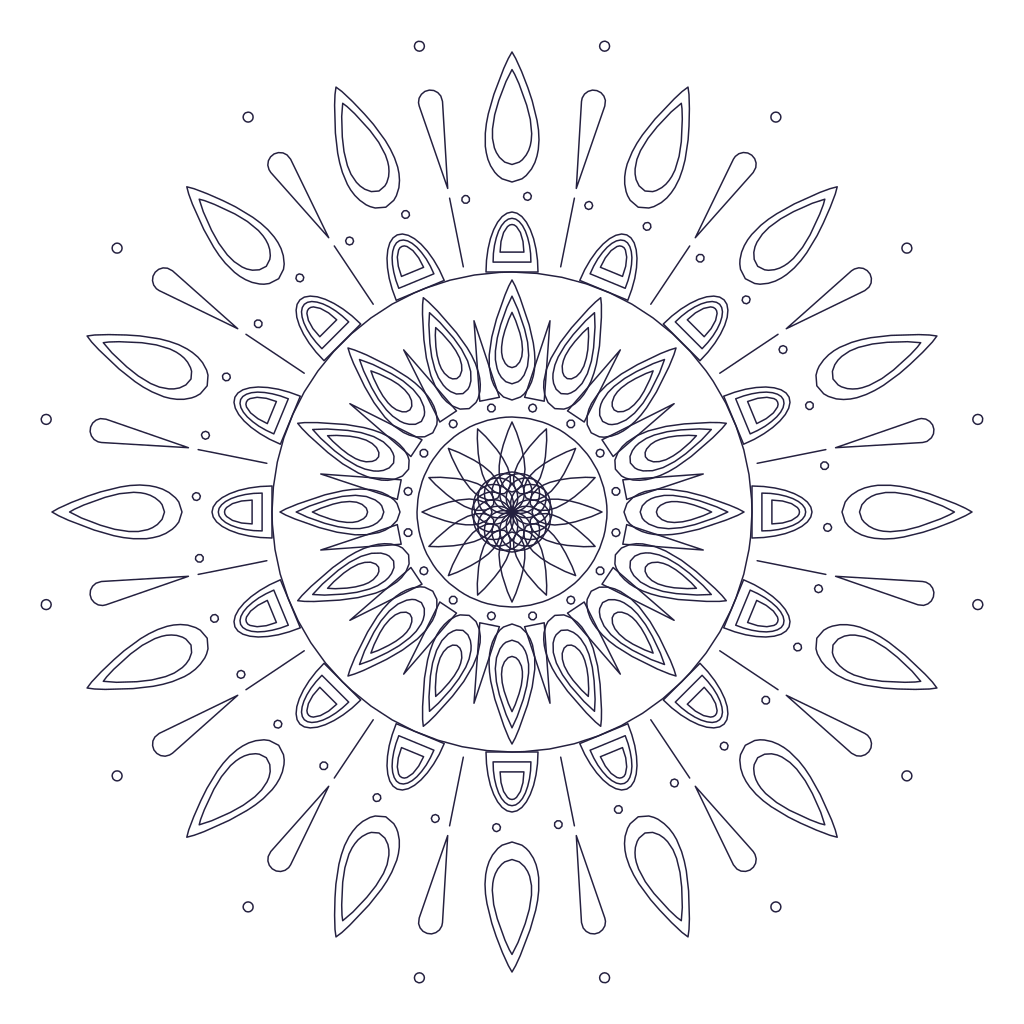
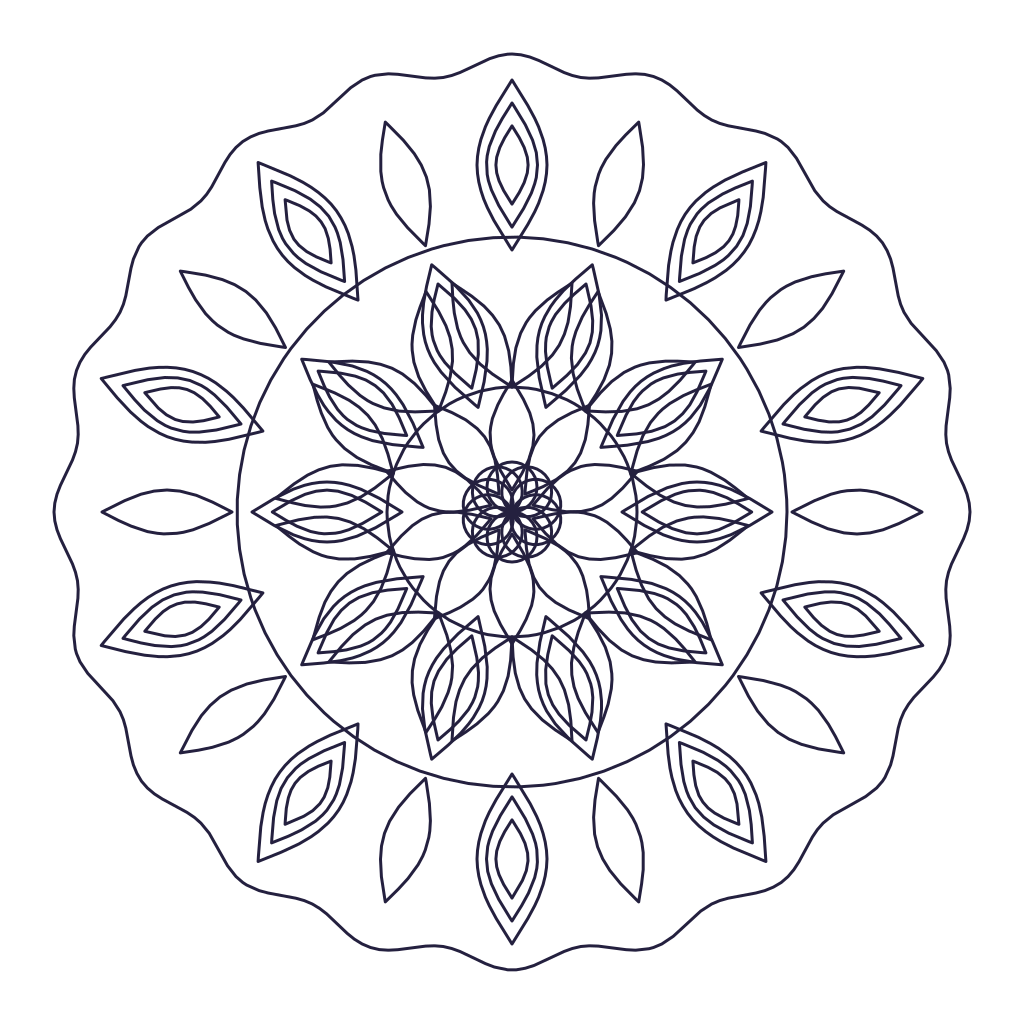
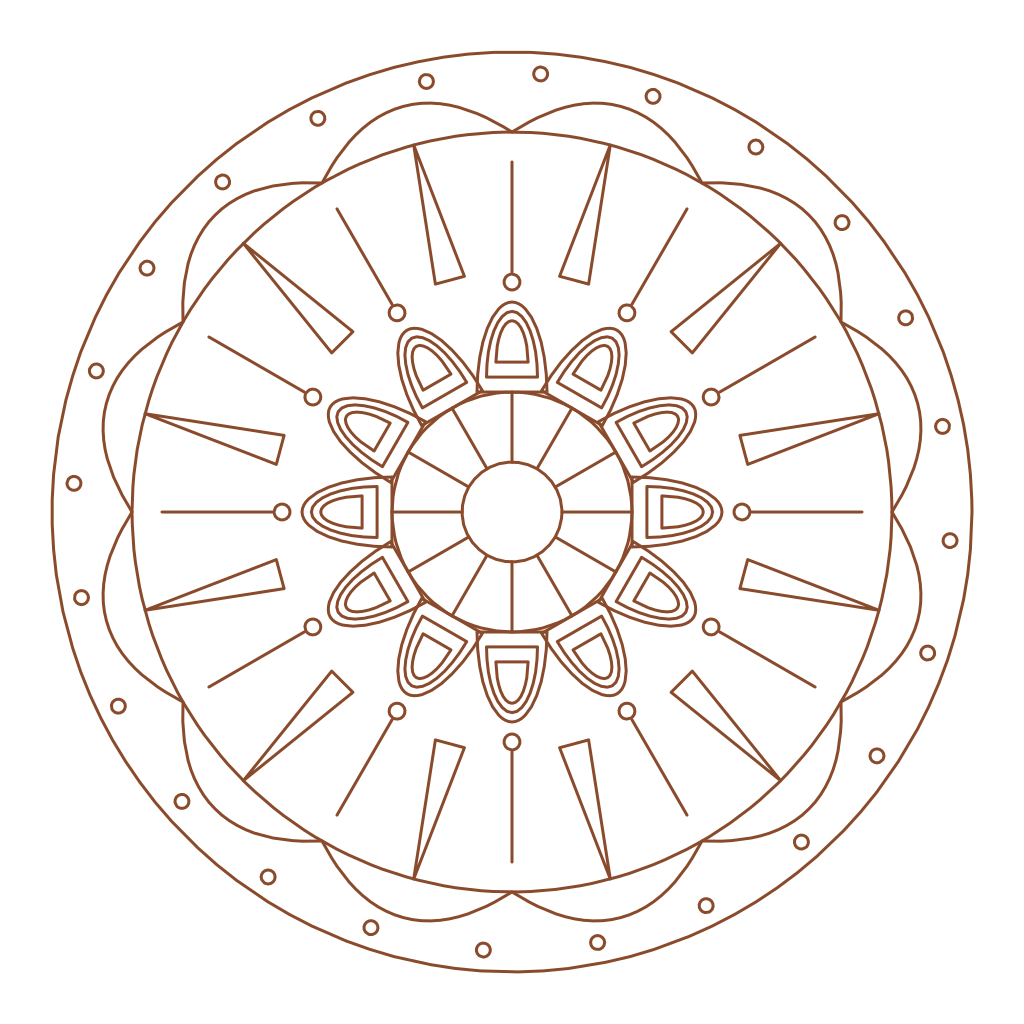
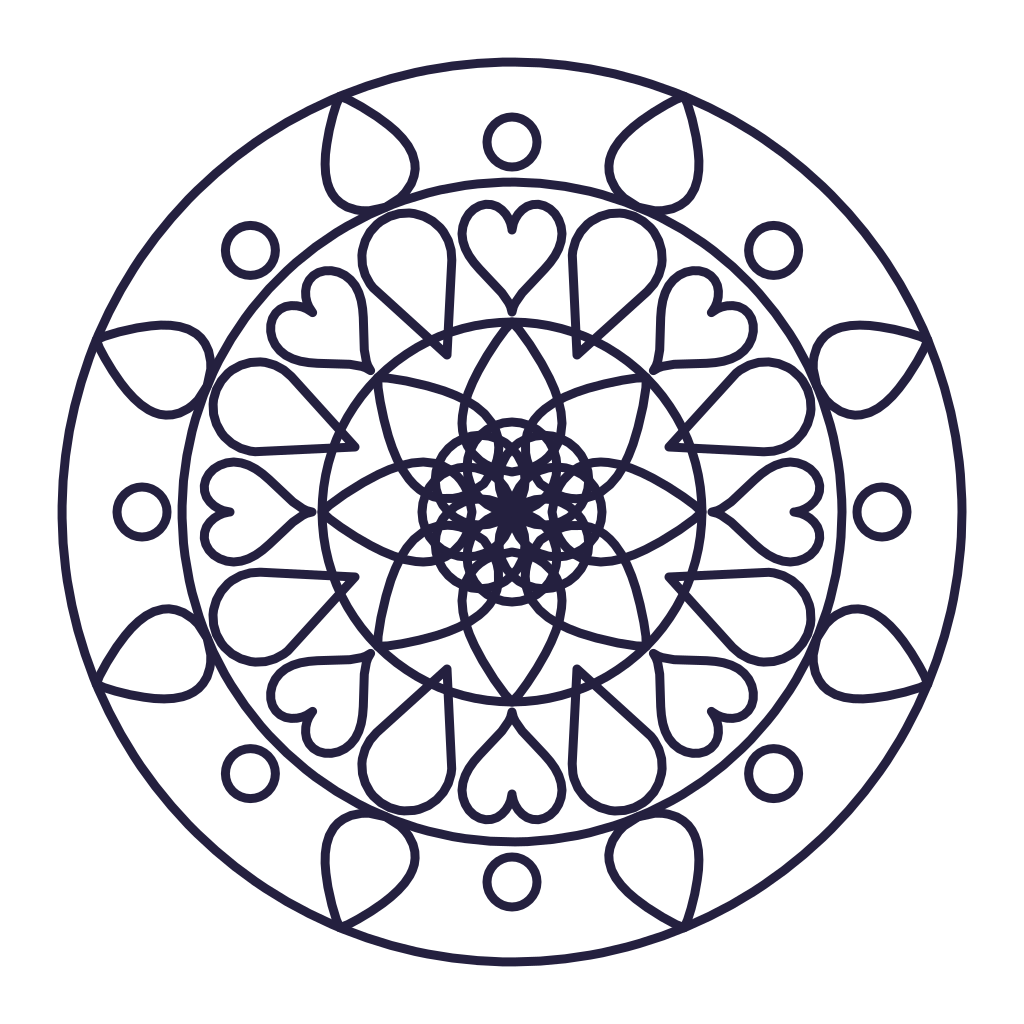
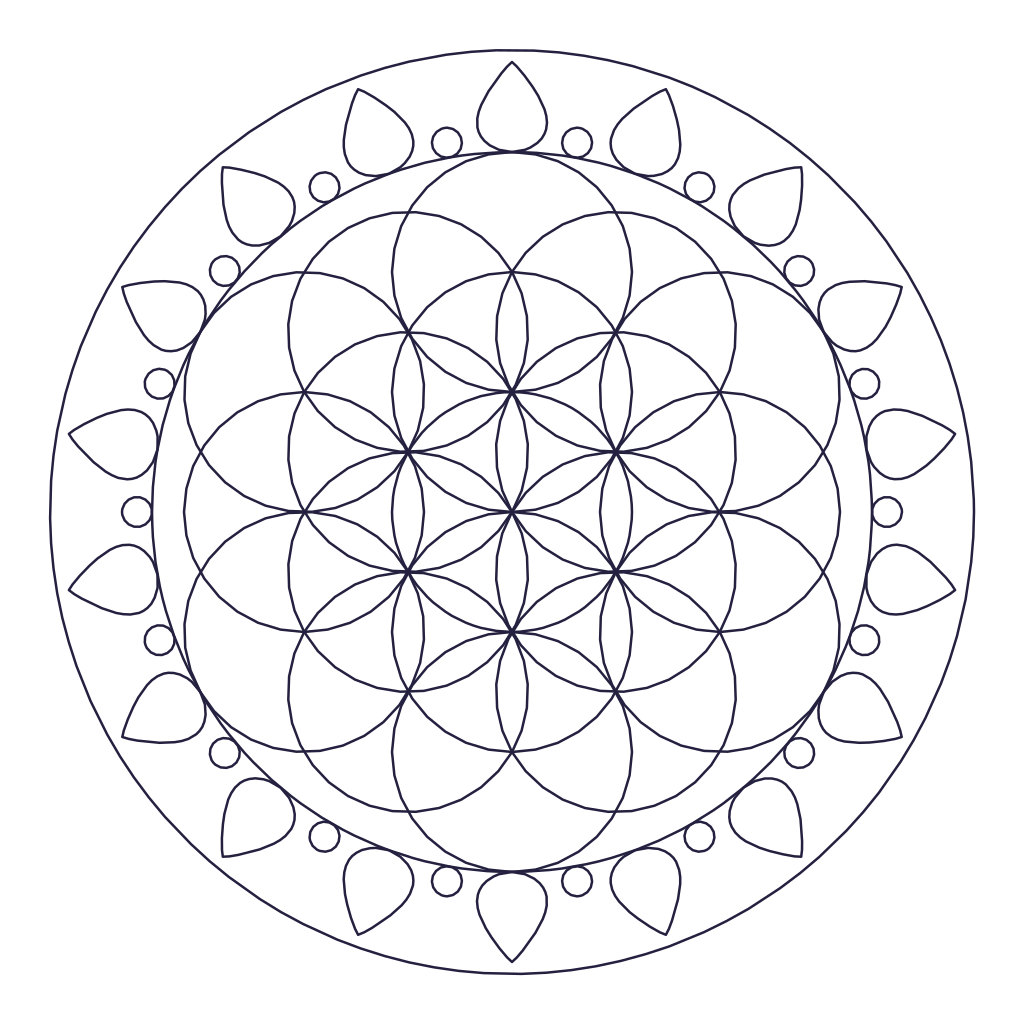
Tattoo Mandala Template
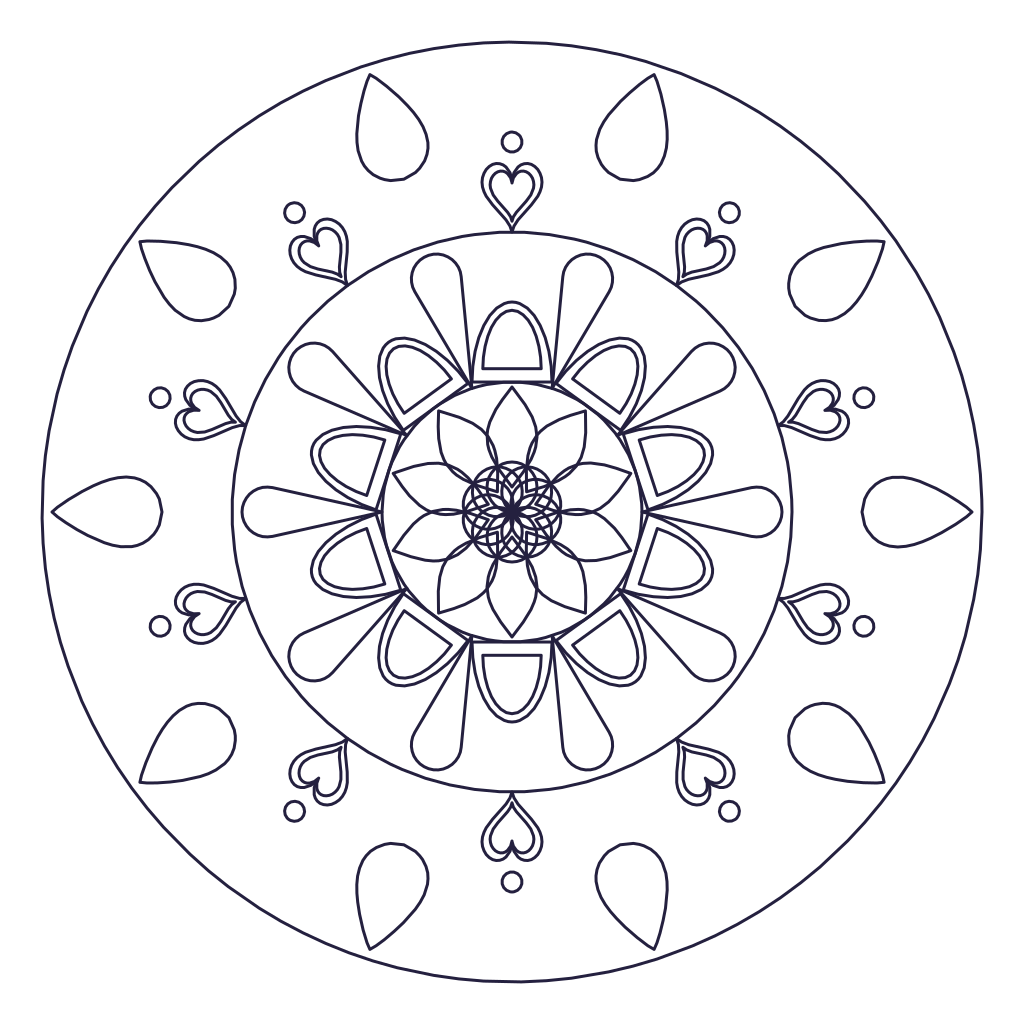
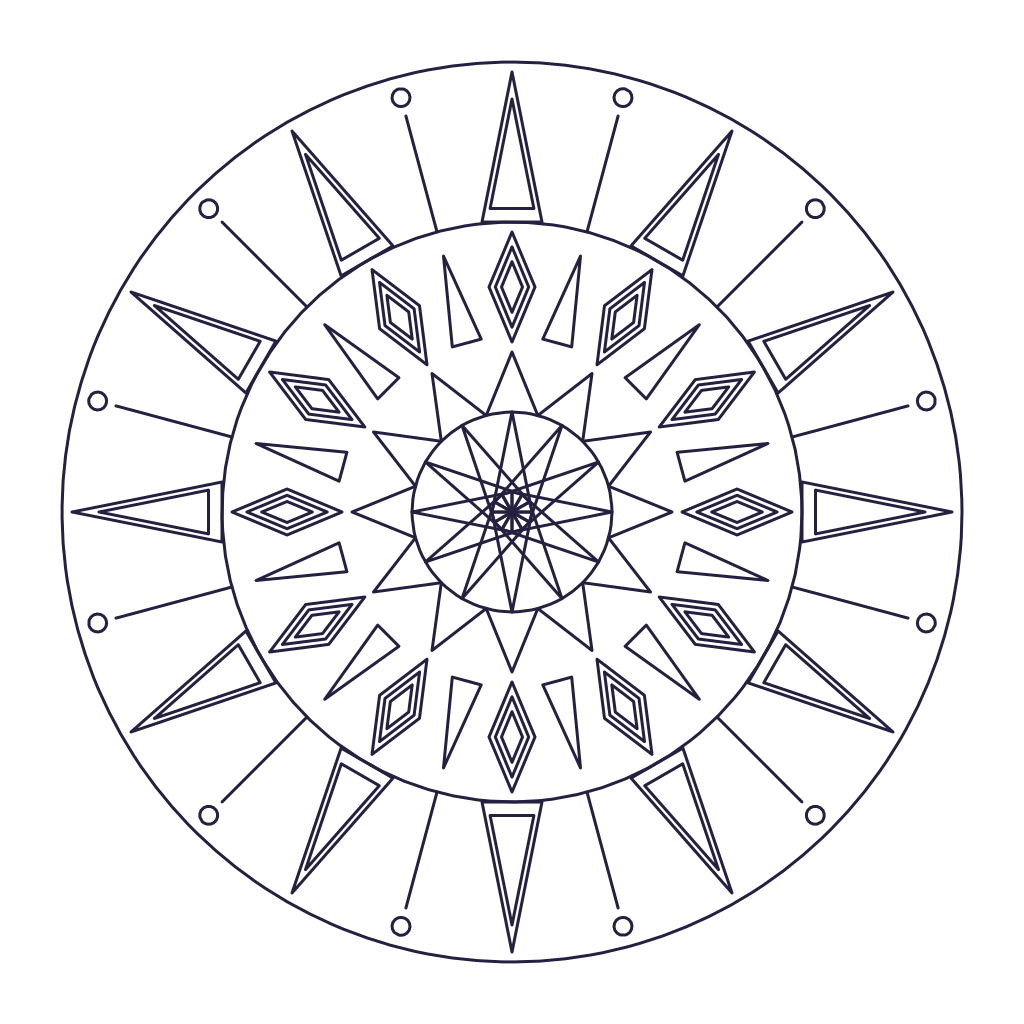
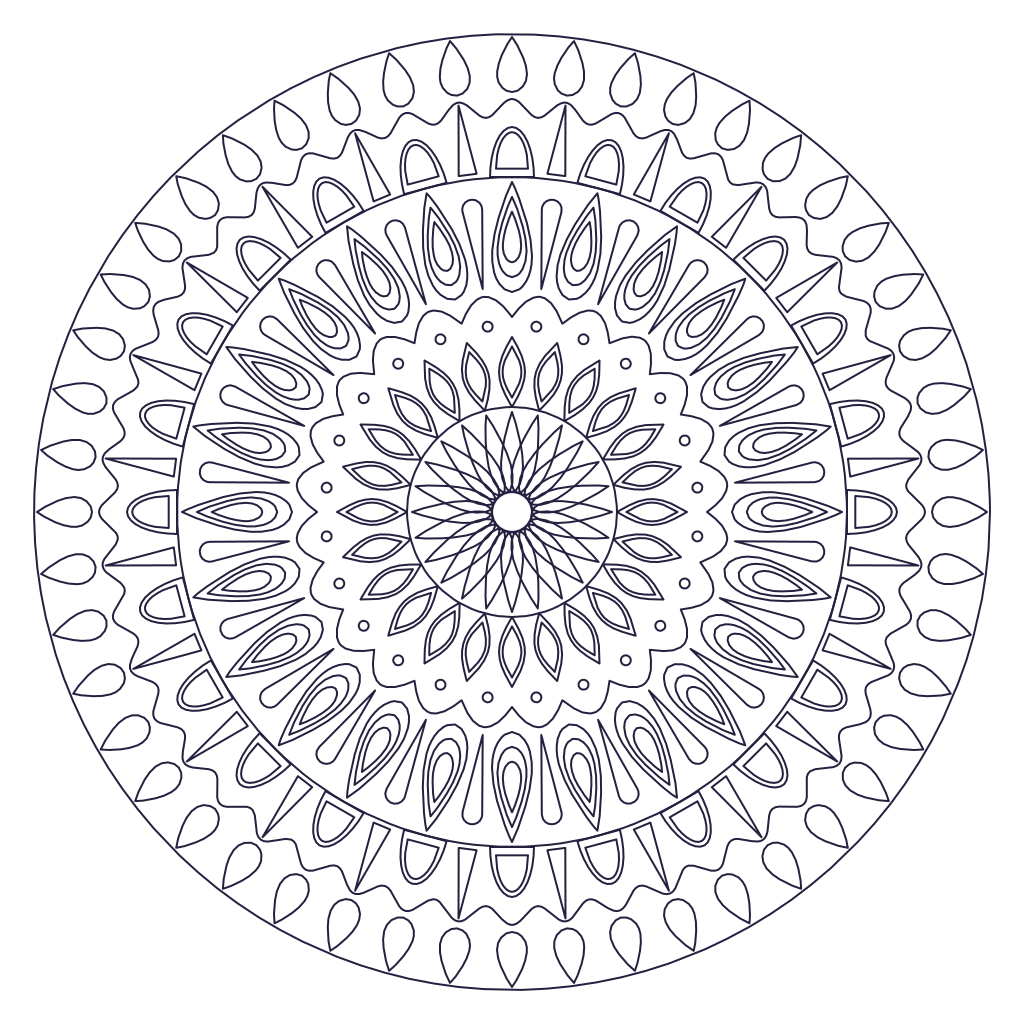
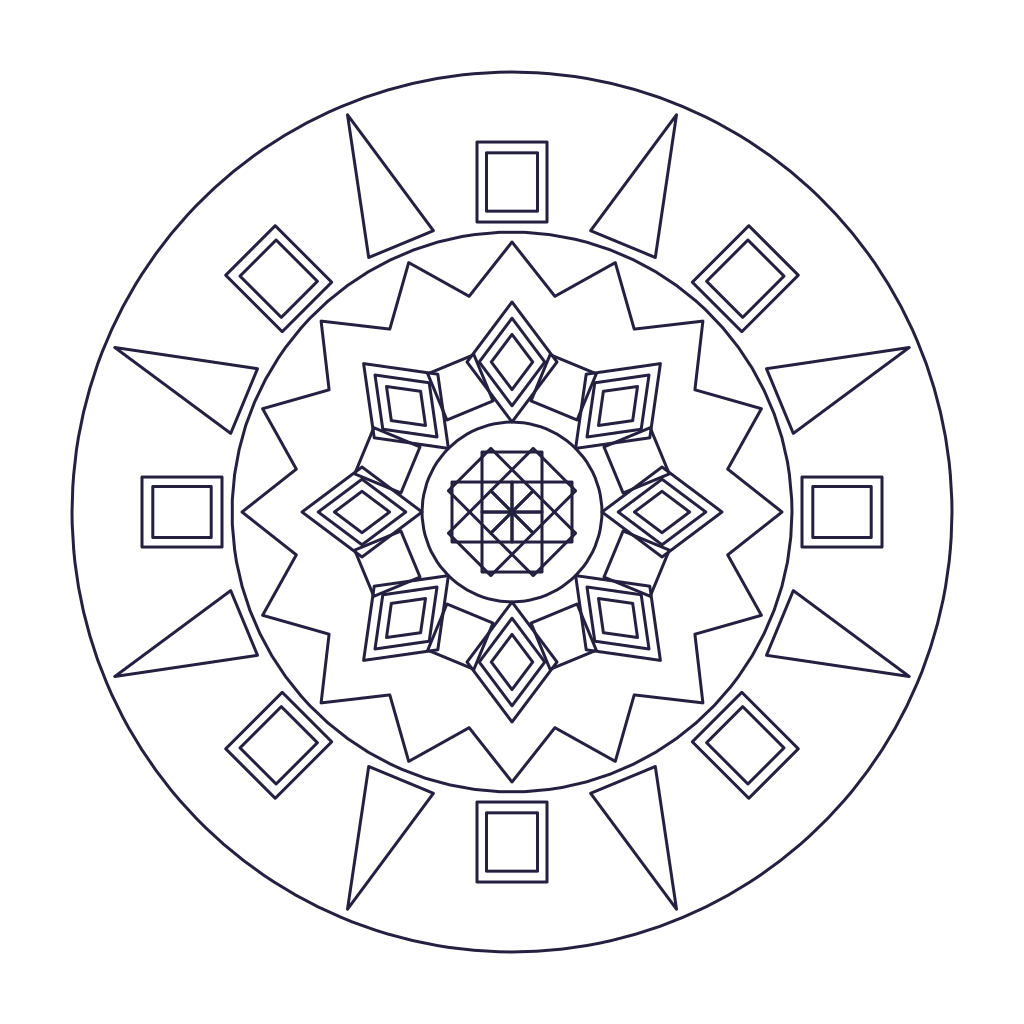
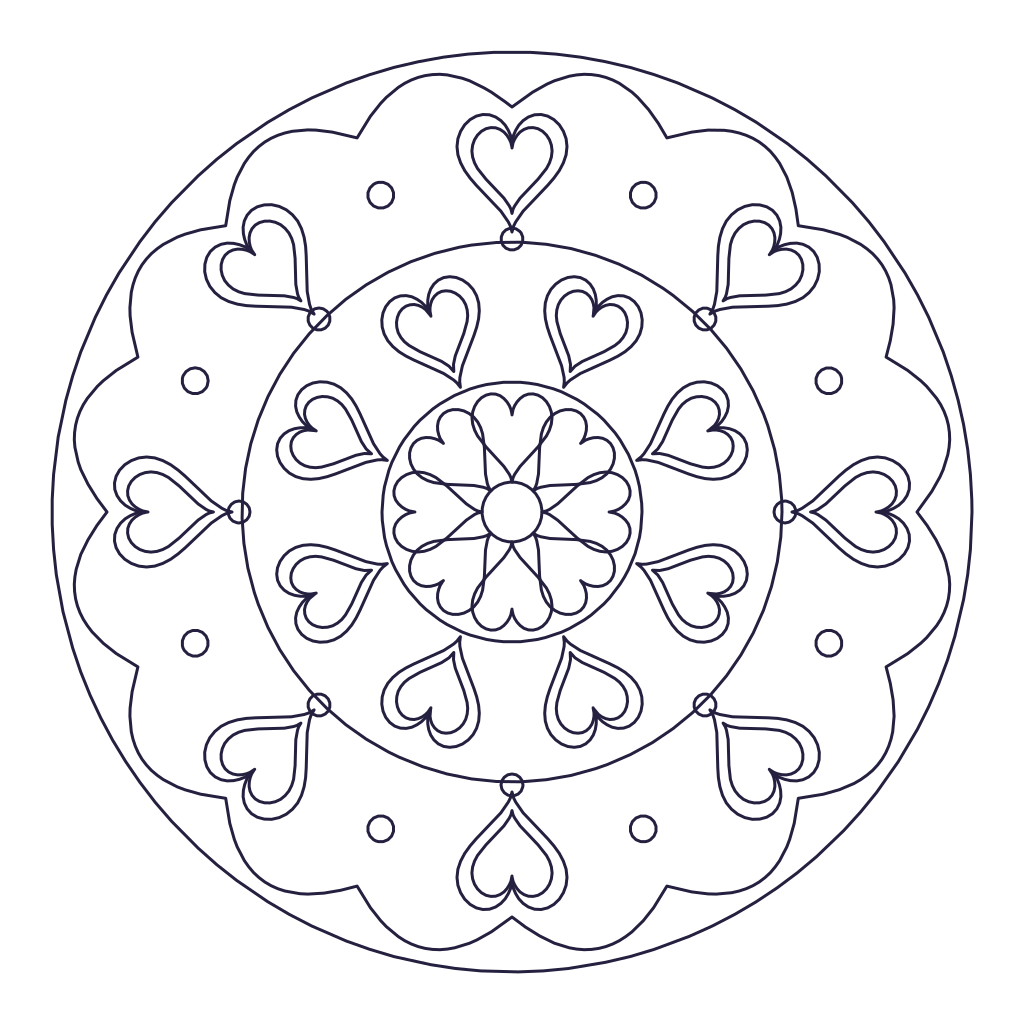
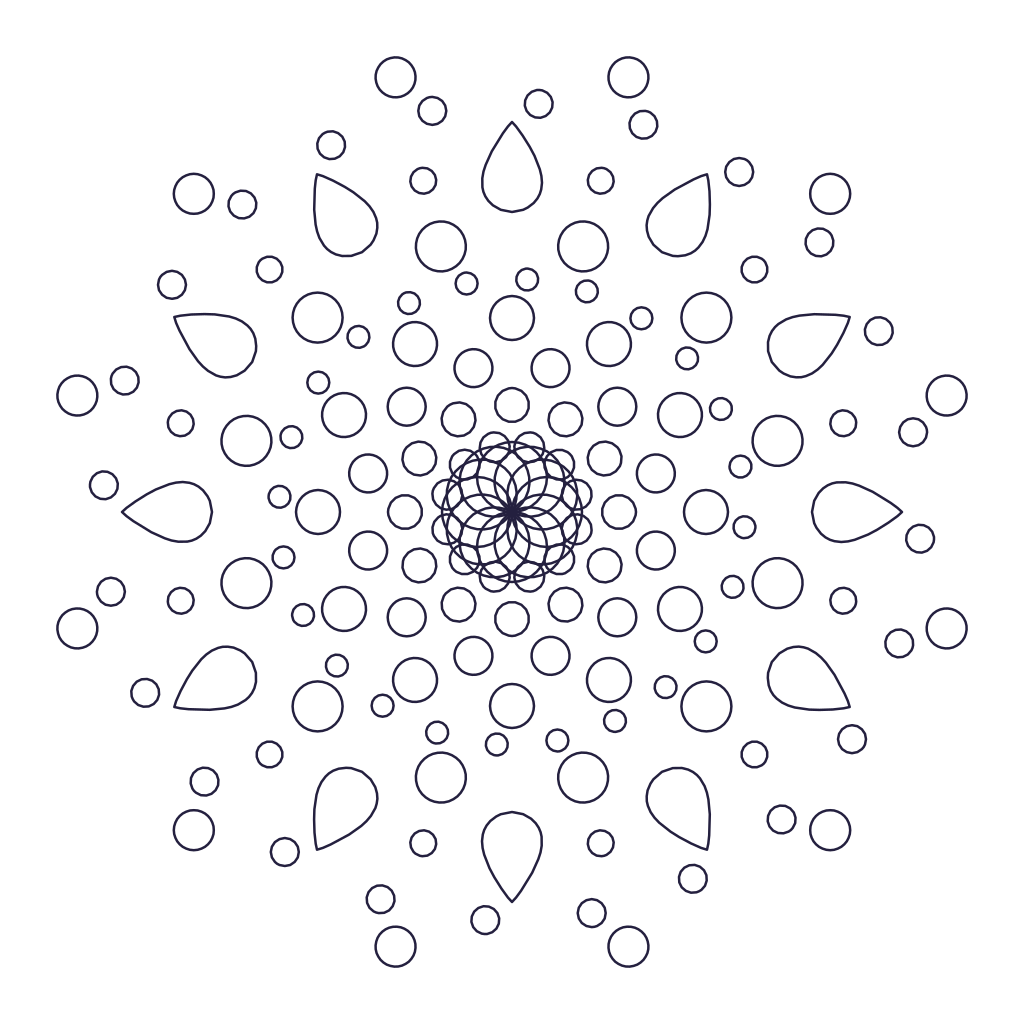
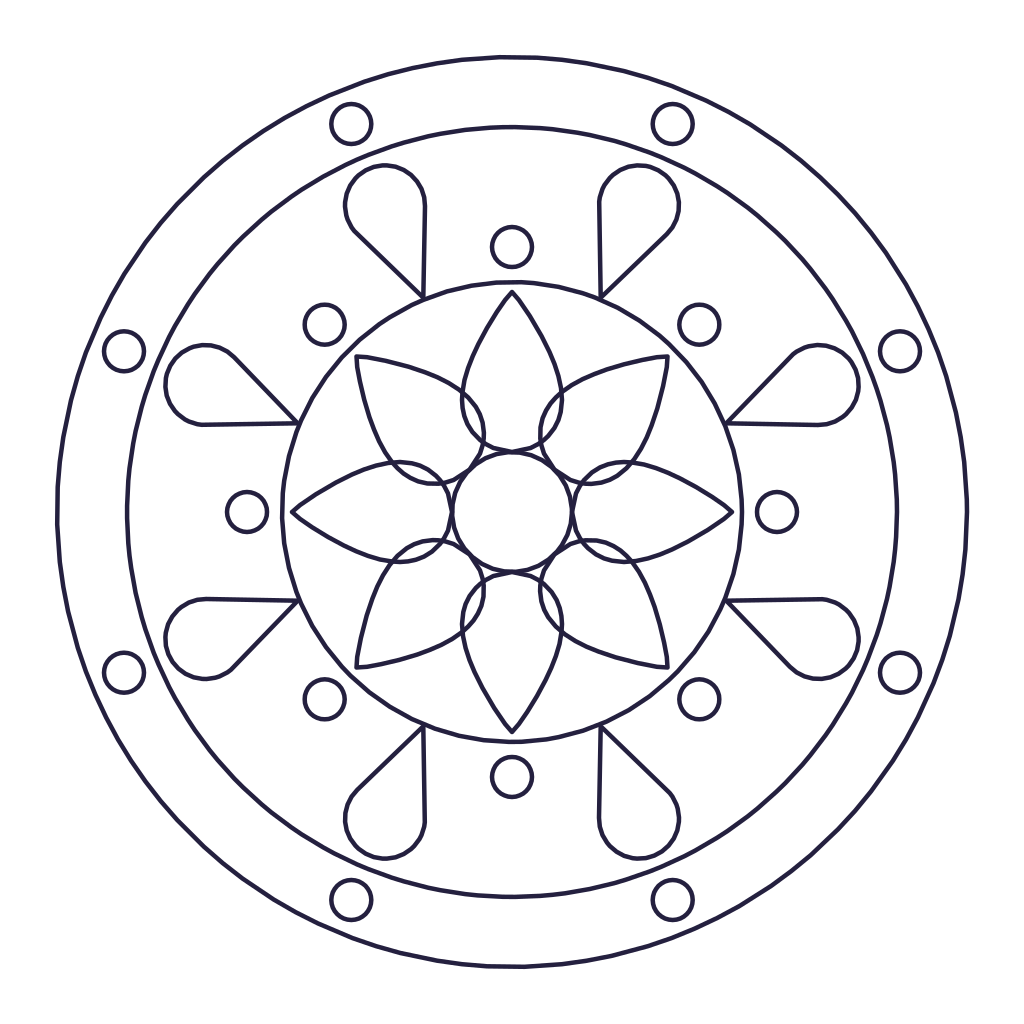
A fine-line, sixteen-fold mandala with layered petals and dotwork, drawn in the style of mandala tattoos.
Every stroke repeats around the center.
Tip: draw with a mouse, finger or stylus. Use Shapes to add rings of petals, dots and scallops, and Surprise me for a fresh design.
Start from something
Templates and Surprise me replace the current design. Undo brings it back.
Each ring repeats a shape around the circle. Tap a layer to change its size, distance, twist and fill.
PDF coloring pages and prints
PNG sharing and digital coloring
SVG Cricut, Silhouette, Illustrator
DXF laser, CNC and plasma
Share
Copy a link that opens this mandala for anyone.
How to use this template
The tattoo mandala is loaded in the maker above with 16-fold symmetry. Open the Shapes tab to change any ring: move it closer to the center, make the shapes longer or wider, twist them, or fill them with color. Switch to Draw to add your own lines, which repeat around all 16 slices.
When it looks right, open Download and save it as a PDF coloring page, a PNG, a cut-ready SVG for Cricut, or a DXF for a laser or plasma table.
About the tattoo mandala
Fine lines and dotwork are what give mandala tattoos their look. This template uses a thin line weight and nested petals so it holds up as a stencil at forearm, shoulder or back size.
Download a high resolution PNG or an SVG to bring into Procreate or your stencil printer, and change the symmetry or line weight first if you want it bolder. Talk to your artist about size, since very fine detail spreads over time.